 QA Report
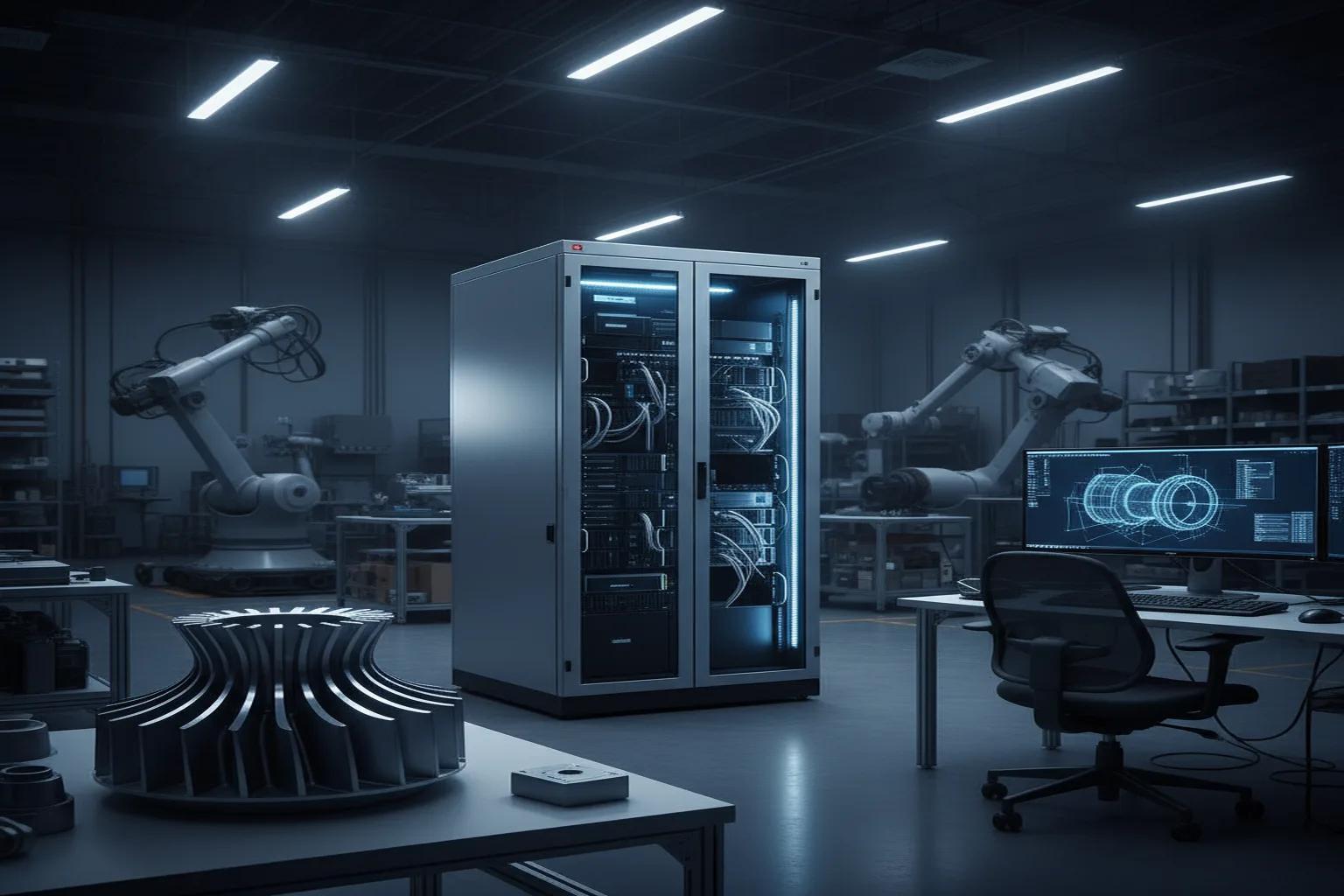

If you machine parts for a defense prime, you have signed an NDA that would make a lawyer sweat. The drawing of that bracket is export-controlled. The customer's name is confidential. And yet the QA software market keeps telling you to upload everything to someone else's cloud. This article explains what on-premise QA software actually means, when you need it, and what to ask before you buy.
The concern is not vague paranoia. It comes from three concrete places:
Ten years ago "on-premise" meant a Windows program installed on one PC, a license dongle, and a database only the quality manager could reach. That model died for good reasons: no multi-user access, painful updates, and inspection data trapped on a single machine.
The modern answer separates two things that used to be welded together: where the application runs and where your data rests. The application runs on the web, so every PC, tablet, and shop-floor terminal in your facility uses it through a browser with no installs and no per-seat license fuss. The confidential artifacts - drawings, machine files, CMM output - are stored on your own hardware inside your secure local network, and never leave it. The workflow is web-wide; the data is local.
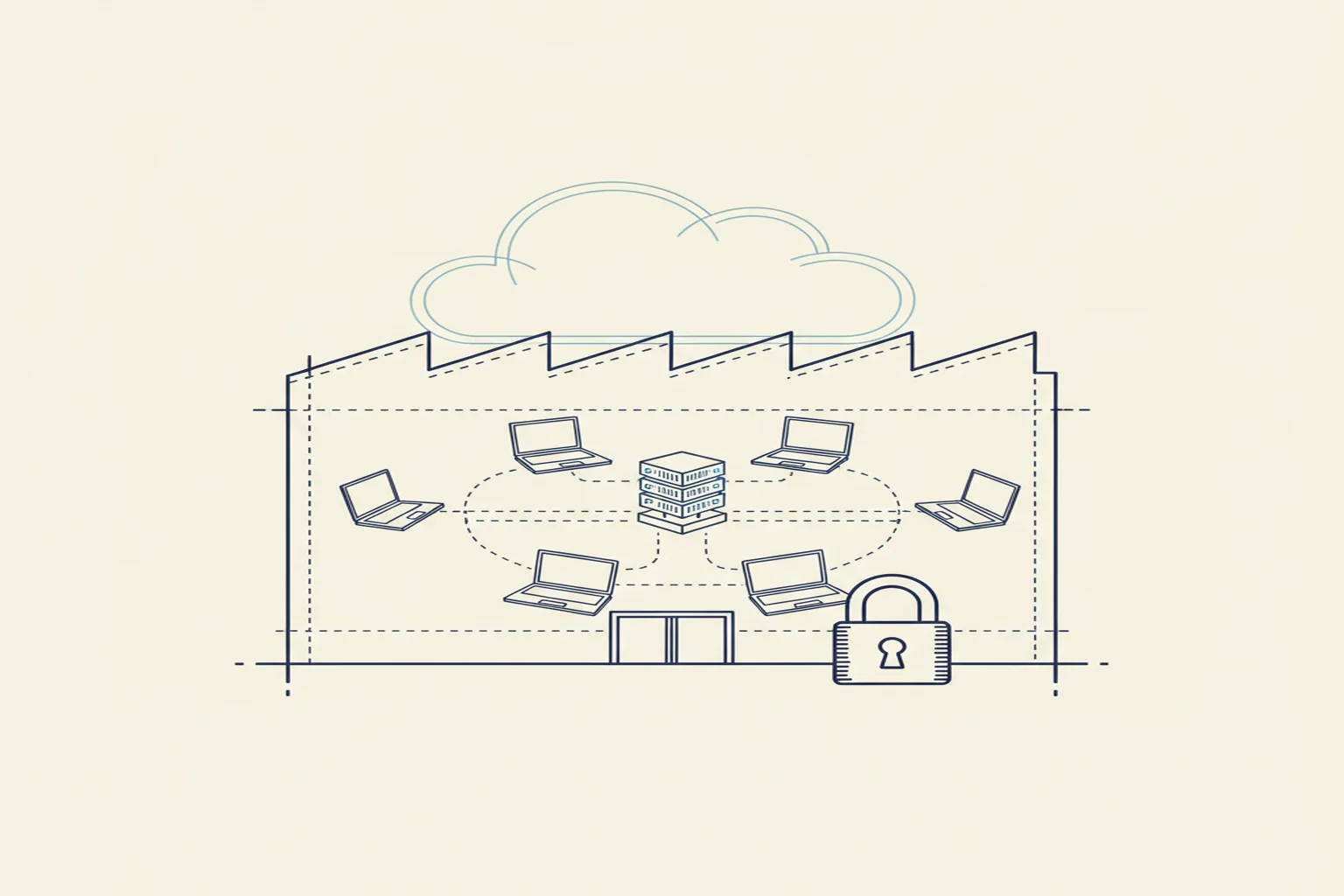
The short version: cloud-style usability with local-style custody. Web access across the facility, drawings and machine files that never cross the fence. That combination exists, and it is the standard you should hold vendors to.
| Criterion | Cloud | On-Premise |
|---|---|---|
| Data custody | Vendor's servers, vendor's jurisdiction | Your building, your rules |
| Export-control posture | Requires careful vendor vetting | Straightforward to defend in audit |
| Setup effort | Sign up and go | One server to provision, then browser access |
| Updates | Automatic | Scheduled with the vendor |
| Access from anywhere | Yes | Facility network (or your VPN policy) |
| Up-front cost | Subscription only | Higher, offset by no data-exposure risk |
Cloud is genuinely better for distributed teams with no confidentiality constraints. The moment a defense or aerospace clause enters the contract, the calculus flips: the cost of a data question you cannot answer exceeds every convenience the cloud offers.
Inspectors balloon drawings, record measurements, and generate audit-ready inspection reports in the browser from any workstation on the floor. The application itself is maintained and updated like any modern web service, so there is no server for your IT team to babysit. But when a drawing or machine file is opened, it comes from storage inside your own network - it was never uploaded anywhere.
This split keeps the maintenance burden near zero and still gives you the one-sentence answer that matters in an audit: "Customer technical data is stored on hardware inside our facility."
A vendor who answers these five questions in plain language is a partner. A vendor who answers with a security whitepaper and no specifics is telling you something too.
We built QA-Report's on-premise option for exactly these shops, under one principle: run web-wide, keep data local. The platform is a web application your whole facility uses without installs, and with the on-premise option your drawings and machine files stay on your own storage inside the building. Customer aliasing, role-based access for operators and inspectors, and encrypted EU-hosted infrastructure for the non-sensitive parts round out the picture - the details are on our technology and security page.
On-premise QA software no longer means giving up modern workflows. Judge vendors on data custody first, usability second, and never accept vagueness about where a drawing rests. If your contracts carry defense or aerospace confidentiality clauses, the ability to answer "it never leaves our building" is worth more than any feature list.
Use our free online ballooning tool to manually number every dimension on your engineering drawing. No login, no email, no credit card. Export a ballooned PDF in seconds - the drawing never leaves your browser.
Try the Free Ballooning ToolCompare plans, including the on-premise deployment for high-confidentiality manufacturing.
See Plans & Pricing