 QA Report
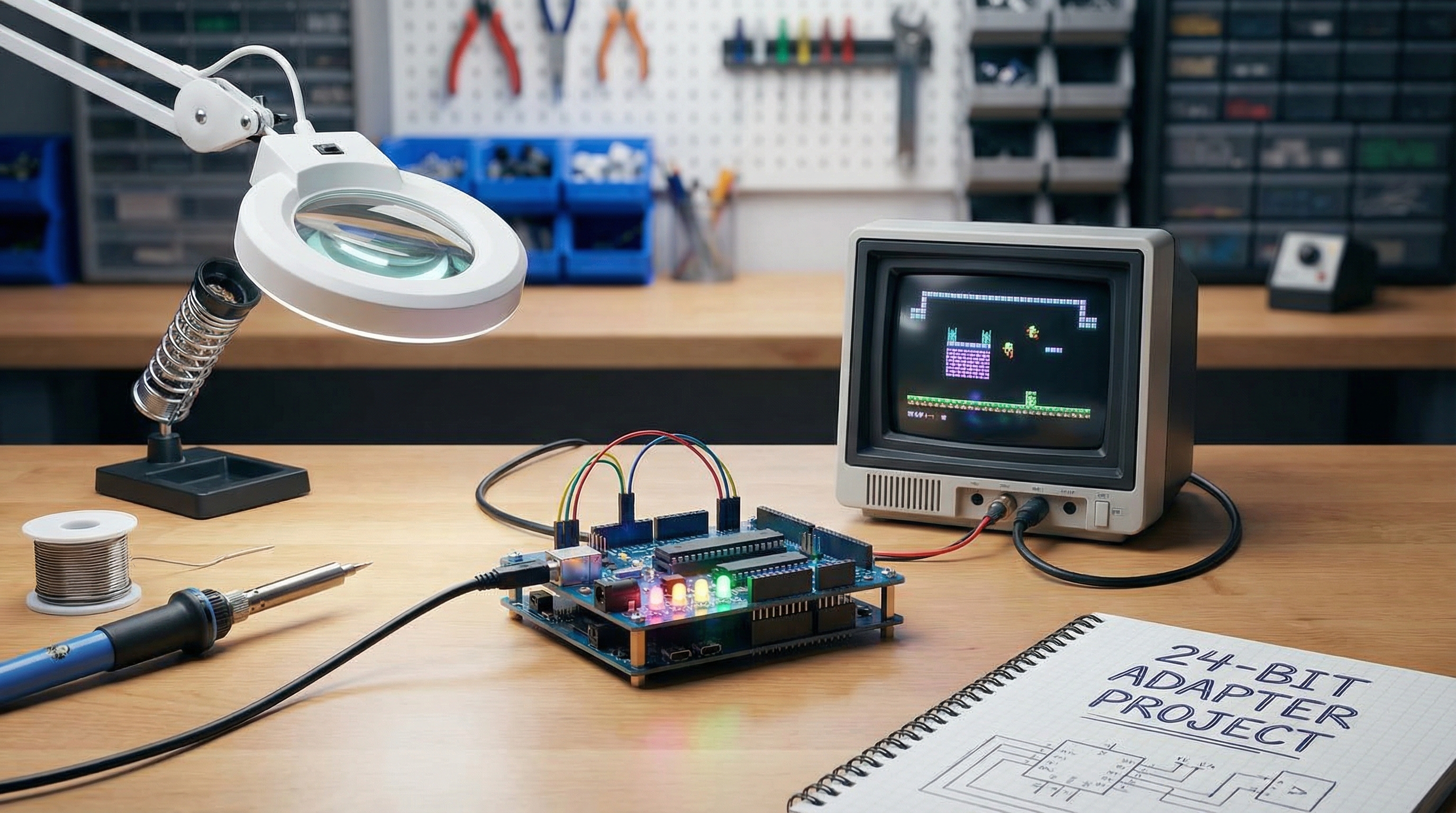

Ever wondered how those vibrant arcade cabinets create their stunning visuals? Let's explore building a 24-bit arcade CRT display adapter from scratch, demystifying the magic behind classic gaming.
Arcade CRTs aren't like your modern monitors. They use analog signals to control the electron beams that paint the image, offering a unique look and feel. We'll need to generate Red, Green, Blue (RGB) signals, along with sync signals to tell the CRT when to draw each line and frame.
A 24-bit adapter means we have 8 bits (256 levels) for each color channel (Red, Green, and Blue). This allows for a wide range of colors, creating a vibrant and visually rich display, much like the original arcade games intended.
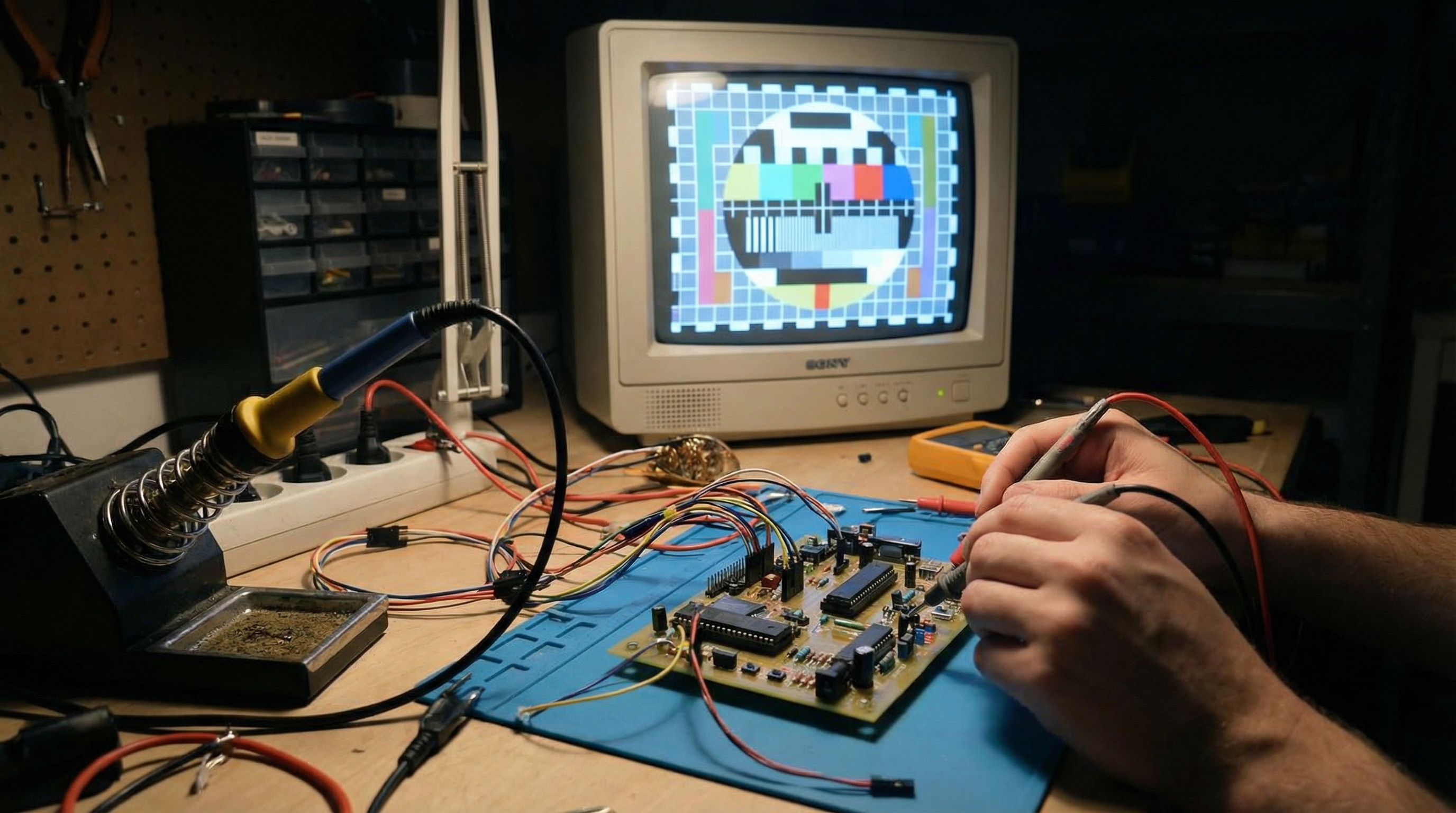
The core of our adapter will likely involve a microcontroller or FPGA to process the video data and generate the necessary analog signals. We'll need to carefully choose components that can handle the required frequencies and voltage levels for the CRT.
Building the adapter involves a mix of hardware and software. We'll need to design a circuit, write code to generate the signals, and test everything thoroughly to ensure a stable and accurate display. It's a challenging but rewarding project!
Learn about the inner workings of arcade CRT displays.
Building a 24-bit arcade CRT adapter is a journey into the heart of display technology. While complex, it offers incredible insight into how classic arcade games brought their worlds to life.